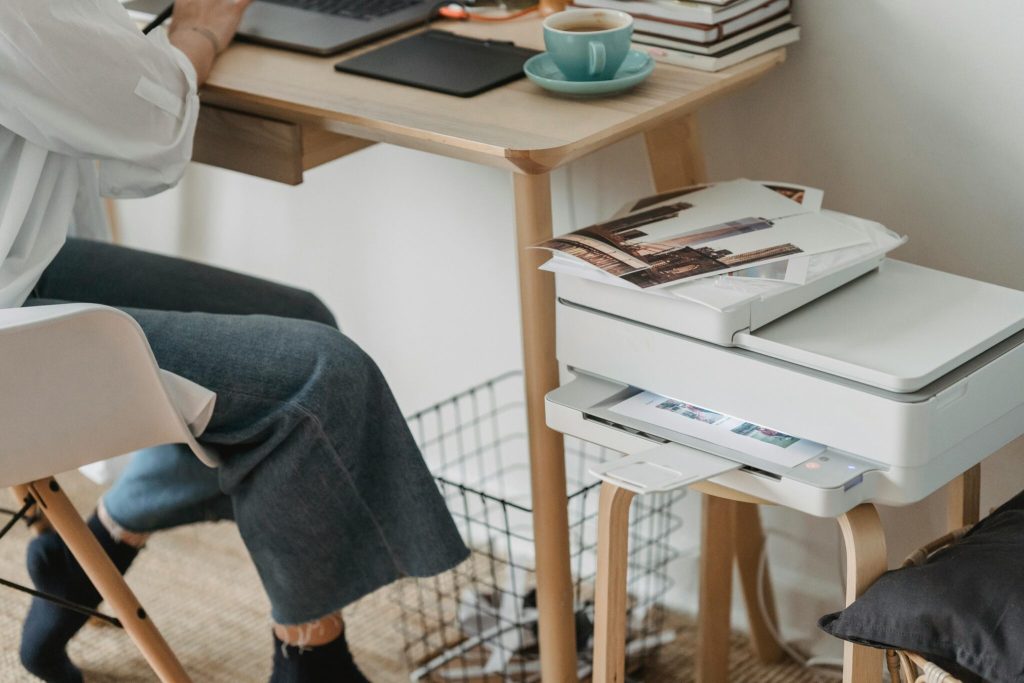
In today’s fast-paced and technology-driven work environment, having reliable office equipment is crucial. Whether you’re running a small home office or managing a large corporate space, a Brother MFC printer is the perfect all-in-one solution for your printing, scanning, copying, and faxing needs. Brother MFC printers are known for their durability, efficiency, and user-friendly design, making them an essential tool for any modern office setup.
1. The Multifunctionality of Brother MFC Printers
Brother MFC printers are designed to provide maximum functionality in a compact package. Here are some of the features that set these printers apart:
- Print, scan, copy, and fax: With four functions in one machine, Brother MFC printers save space and reduce the need for multiple devices.
- High-speed printing: These printers offer fast printing speeds, making them ideal for offices with high-volume print jobs.
- Wireless connectivity: Easily print from your laptop, smartphone, or tablet with Wi-Fi and mobile printing capabilities.
- Laser printing technology: For crisp, professional-quality documents, Brother MFC printers utilise advanced laser printing technology.
2. Benefits of Using Brother MFC Printers in the Office
In addition to their multifunctionality, Brother MFC printers offer several other benefits that make them the preferred choice for businesses:
- Compact design: Despite their many features, Brother MFC printers are designed to be space-efficient, making them perfect for small office environments.
- Energy-efficient: Brother printers are built with eco-friendly features, such as low power consumption modes, reducing your office’s environmental impact.
- Cost-effective: With high-yield toner cartridges, these printers can help you save on running costs by producing more pages per cartridge.
- Ease of use: The intuitive control panel and touchscreen interface make it simple to operate even for non-technical users.
3. Brother MFC vs. Other Brother Printers
Brother offers a wide range of printers, but how do Brother MFC printers compare to other Brother models like their laser printers?
| Feature | Brother MFC Printers | Brother Laser Printers |
| Functions | All-in-one (print, scan, copy, fax) | Primarily focused on printing |
| Best for | Offices needing multifunction devices | Businesses requiring high-volume printing |
| Space efficiency | Compact and multifunctional | Larger, focused solely on printing |
If your office requires more than just printing capabilities, Brother MFC printers are the ideal choice.
4. How to Maintain Your Brother MFC Printer
To ensure the long-term efficiency of your Brother MFC printer, regular maintenance is necessary. Follow these simple tips to keep your printer running smoothly:
- Use genuine Brother toner: Always use Brother’s original toner cartridges to ensure the best print quality and prevent damage to the printer.
- Clean the print heads: Regularly clean the printer’s internal components, especially the print heads and rollers, to avoid paper jams and ensure sharp prints.
- Check for firmware updates: Brother frequently releases firmware updates to improve the functionality and security of their printers. Make sure your printer is up-to-date.
- Monitor toner and paper levels: Avoid disruptions by regularly checking your toner and paper supplies, ensuring you’re always ready for large print jobs.
5. Troubleshooting Common Brother MFC Printer Issues
Even with a reliable printer like the Brother MFC, you may occasionally encounter problems. Here are some common issues and quick fixes:
- Paper jams: This is one of the most common printer issues. To fix a paper jam, carefully open the printer’s access panel, remove the jammed paper, and ensure all rollers are clear of debris.
- Faded prints: If your prints are coming out lighter than usual, check your toner levels and consider cleaning the print heads.
- Connectivity issues: Sometimes, the printer may have trouble connecting to Wi-Fi. In such cases, restarting your router or resetting the printer’s network settings usually resolves the problem.
- Slow printing: If your printer is taking longer than usual to print, check the print resolution settings. High-resolution settings can significantly slow down print speeds, so adjust as necessary for faster results.
6. Why Brother MFC Printers Are the Ultimate Choice for Modern Offices
Brother MFC printers not only streamline your office operations but also offer long-term savings and efficiency. With a robust set of features, they can handle diverse office needs, making them ideal for businesses of all sizes. The built-in laser printing technology ensures every document comes out crisp and professional, while the multifunctionality means you’ll never need separate devices for scanning, faxing, or copying.
Additionally, their compact design ensures that even in smaller office spaces, you won’t have to sacrifice valuable room for essential printing tools. These features make Brother MFC printers a must-have for any modern, efficient office.
Conclusion: Enhance Your Office with Brother MFC Printers
Brother MFC printers are an essential tool for any modern office, offering efficiency, reliability, and multifunctionality. Whether you need to print, scan, copy, or fax, a Brother MFC printer will keep your office running smoothly and efficiently, all while saving space and costs.
Upgrade your office setup today with a Brother MFC printer from Yourtech Services. Explore our range and experience seamless, high-quality printing.