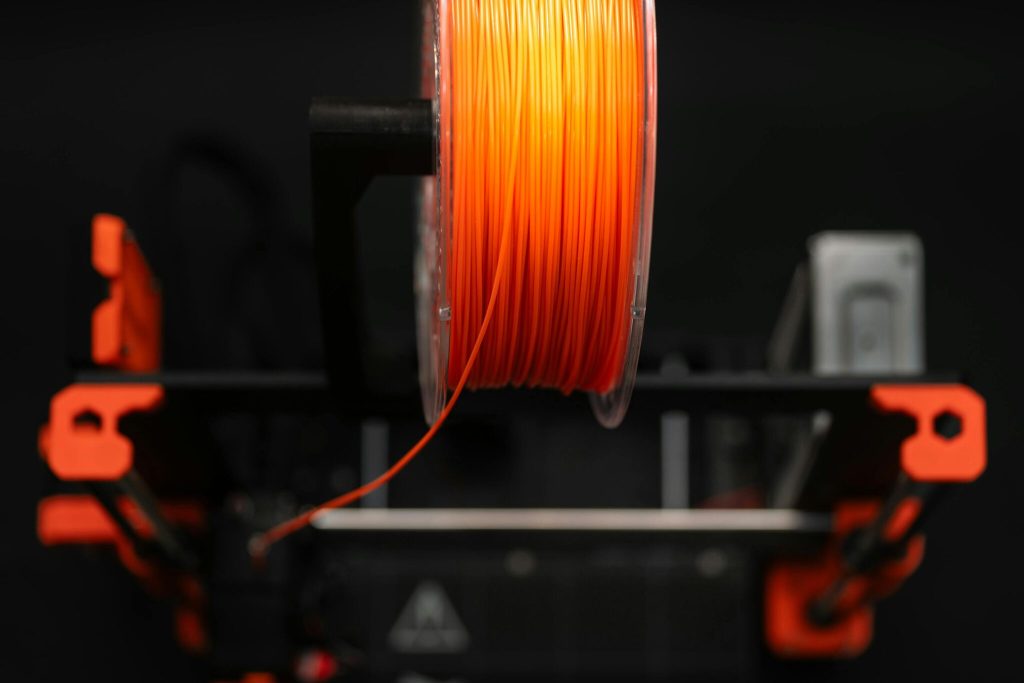
When it comes to 3D printing, the quality of your filament can make or break your final print. For enthusiasts and professionals using eSUN filaments, proper storage and maintenance are essential to ensuring consistent, high-quality results. This comprehensive guide explains how to store and care for your eSUN filaments, preserving their integrity and performance over time.

Why Proper Storage of eSUN Filaments Matters
eSUN filaments, like most 3D printing materials, are hygroscopic—meaning they absorb moisture from the environment. Exposure to humidity can lead to problems such as poor layer adhesion, bubbling during extrusion, stringing, and ultimately weakened prints. To avoid these issues, understanding how to properly store and maintain your eSUN filaments is crucial.
Common Types of eSUN Filaments and Their Storage Needs
eSUN offers a wide range of filaments including PLA, ABS, PETG, TPU, and specialty materials like ePA-CF (carbon fibre reinforced nylon). While many storage principles overlap, certain filament types require specific care:
- PLA: Generally easier to store but still sensitive to moisture.
- ABS: More sensitive to moisture and temperature fluctuations.
- PETG: Moderate moisture sensitivity, benefits from dry storage.
- TPU and Flexible Filaments: High moisture absorption rate; require airtight storage.
- Composite Filaments (e.g., carbon fibre): Need protection from humidity and physical damage.
Best Practices for Storing eSUN Filaments
1. Use Airtight Containers or Vacuum Sealed Bags
One of the most effective ways to keep your eSUN filaments dry is by storing them in airtight containers or vacuum sealed bags. Adding desiccant packs inside these containers will absorb any residual moisture and maintain a dry environment.
2. Store in a Cool, Dry Place
Avoid exposing filaments to direct sunlight, high temperatures, or humid areas like bathrooms or kitchens. Ideal storage temperature ranges between 15°C and 25°C with relative humidity below 20%.
3. Avoid Frequent Exposure to Air
Every time filament is removed from storage, it’s exposed to ambient humidity. Minimise the number of times you expose your spools to open air by planning your print jobs in batches and returning unused filament promptly to storage.
Maintaining eSUN Filaments Before Use
Drying Your Filaments
If your eSUN filament absorbs moisture, drying it out is essential before printing. Use filament dryers or ovens set at manufacturer-recommended temperatures (typically around 50-60°C for PLA) for several hours. This process removes absorbed moisture and helps restore filament quality.
Inspect Before Printing
Check your filament visually for signs of brittleness, white powdery surfaces, or tangling before loading into your printer. These can indicate moisture damage or poor storage.
Additional Tips for Optimising eSUN Filament Lifespan
- Label Your Filaments: Keep track of purchase dates and storage conditions.
- Avoid Mechanical Stress: Handle spools carefully to prevent deformation.
- Regular Cleaning: Clean your printer nozzle regularly to avoid clogs caused by degraded filament.
- Use Spool Holders: Prevent filament tangling during printing by using quality spool holders.
Where to Get Quality eSUN Filaments and Support in Australia
If you’re looking for genuine eSUN filaments and expert advice on storage and maintenance, Yourtech Services offers a wide selection tailored to your 3D printing needs. Visit Yourtech Services for reliable products and support that help you get the best results from your filament.
Final Thoughts: Preserve Your eSUN Filaments for Flawless Prints
Proper storage and maintenance of your eSUN filaments are key to achieving consistent, high-quality 3D prints. By using airtight containers, controlling humidity, drying filaments when necessary, and following these tips, you can extend your filament’s lifespan and enjoy flawless printing results every time.
Ready to Optimise Your 3D Printing? Explore eSUN Filaments at Yourtech Services Today!
Visit Yourtech Services to shop genuine eSUN filaments and get expert advice on storage and maintenance for superior 3D printing performance.
Maximise Your 3D Printing Quality — Store and Maintain eSUN Filaments with Expert Care!